A card that rotates badly does not immediately experience a GPS failure. The cause can be COG used as prora, disturbed magnetic sensor, antenna without sky, changed priorit or offset applied twice. this analysis separates SteadyCast, GPS 24xd and MSC 10, verification assembly and network, calibration only in safe conditions and test the loss of the source without leaving frozen data.
Read the data name on the display
the procedure checks whether the field shows magnetic prora, prora vera or COG. An indicator called generically direction can hide a different source. Before touching the calibration you will record page, label, unit and selected device. Control 1 retains initial status, active device, condition, single modification and result. Before applying offsets or resets you save the configuration; after testing the selected source occurs. If security, space or references are not enough, the procedure is suspended and the point remains open in the technical report.
Invent all sources of prora
SteadyCast, GPS 24xd, MSC 10, pilot sensor and any other network compass are listed. Interface, code and priorit are noted for each. A double is not disconnected until clear what systems use it. Control 2 retains initial status, active device, condition, single modification and result. Before applying offsets or resets you save the configuration; after testing the selected source occurs. If security, space or references are not enough, the procedure is suspended and the point remains open in the technical report.
Distinguish magnetic and satellite sensor
SteadyCast and the heading section of GPS 24xd are magnetic; MSC 10 normally uses a GPS prora and can have calibrated magnetic backup. This distinction guides the test: local interference and obstacles to the sky produce different symptoms and remedies. Control 3 retains initial status, active device, condition, single modification and result. Before applying offsets or resets you save the configuration; after testing the selected source occurs. If security, space or references are not enough, the procedure is suspended and the point remains open in the technical report.
Inspection of SteadyCast mounting
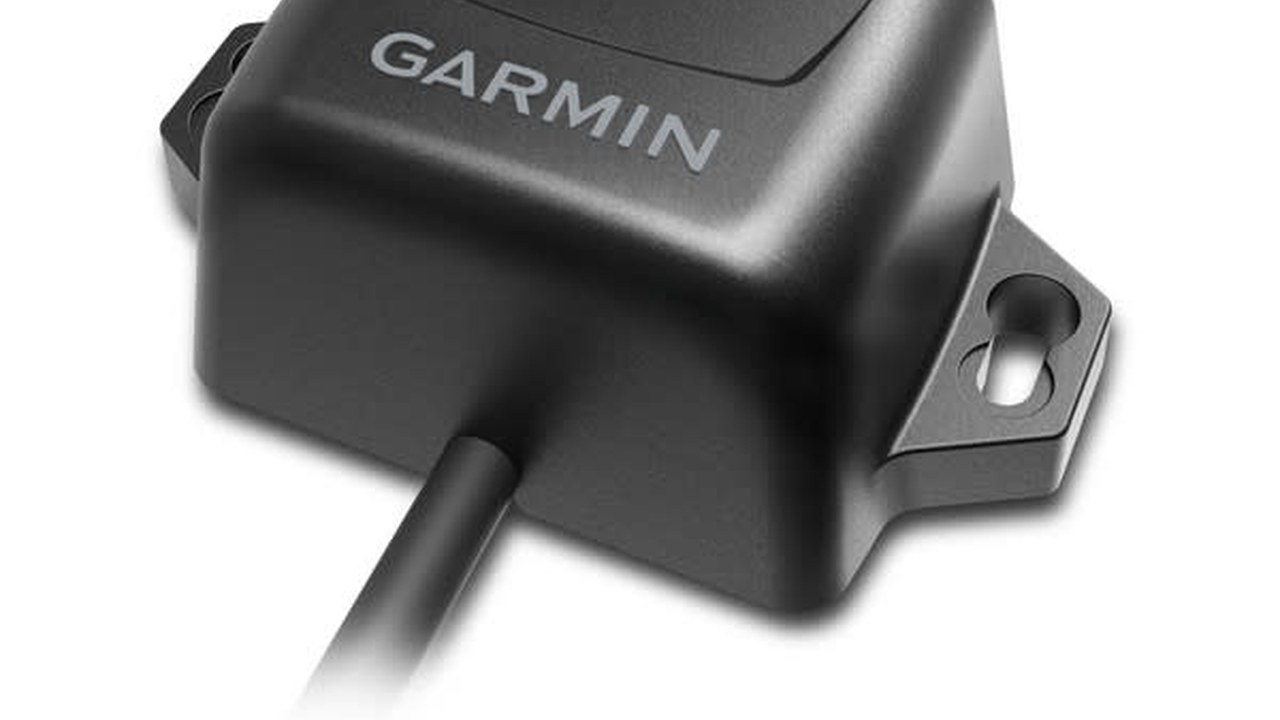
The MEMS sensor can be installed in various directions if the procedure is respected, but must remain still and far from interference. You control arrow, bracket, wet, integrated cable and objects that can be moved near the device. Control 4 retains initial status, active device, condition, single modification and result. Before applying offsets or resets you save the configuration; after testing the selected source occurs. If security, space or references are not enough, the procedure is suspended and the point remains open in the technical report.
| Control | Try | Error signal |
|---|---|---|
| Identity | List of devices | Ambiguous Source |
| Interference | Powerful and off hearings | Variable test |
| Alignment | Straight roof | Persistent Offset |
| Low speed | Slow maneuvers | COG exchanged for prora |
| Network | Controlled loss | Frozen data |
| Restoration | Complete reboot | Changed Priority |
Try interference with one user at a time
Motors, winch, speakers, inverters, pumps and paintings are activated individually while observing the boat prora. A repeatable variation is noted with load and position. The test does not electronically compensate for an obvious magnetic source. Control 5 retains initial status, active device, condition, single modification and result. Before applying offsets or resets you save the configuration; after testing the selected source occurs. If security, space or references are not enough, the procedure is suspended and the point remains open in the technical report.

Check the 24xd GPS mounting
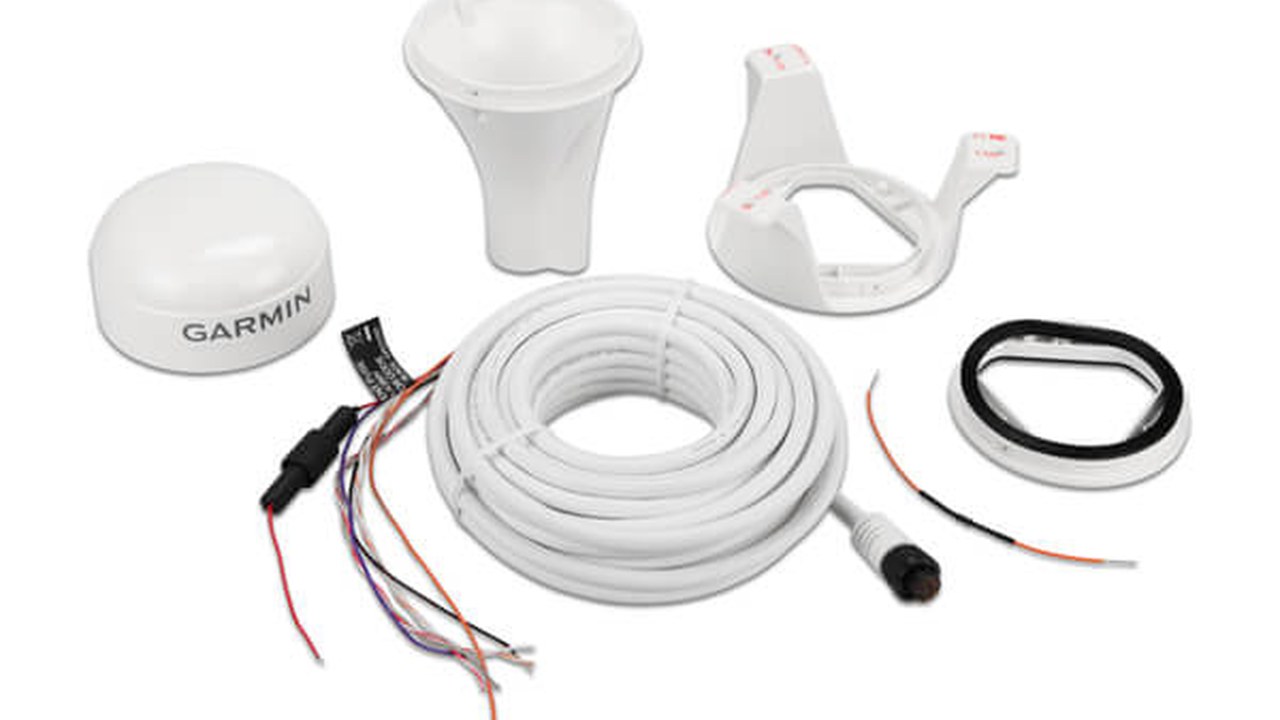
It occurs version NMEA 2000 or HVS, type of support, seal and view of the sky. Cable and connectors must not bear traction. If the magnetic sensor has been disabled or not calibrated, the procedure does not assume that the antenna publishes prora. Control 6 retains initial status, active device, condition, single modification and result. Before applying offsets or resets you save the configuration; after testing the selected source occurs. If security, space or references are not enough, the procedure is suspended and the point remains open in the technical report.
Check the sky and horizon of the MSC 10
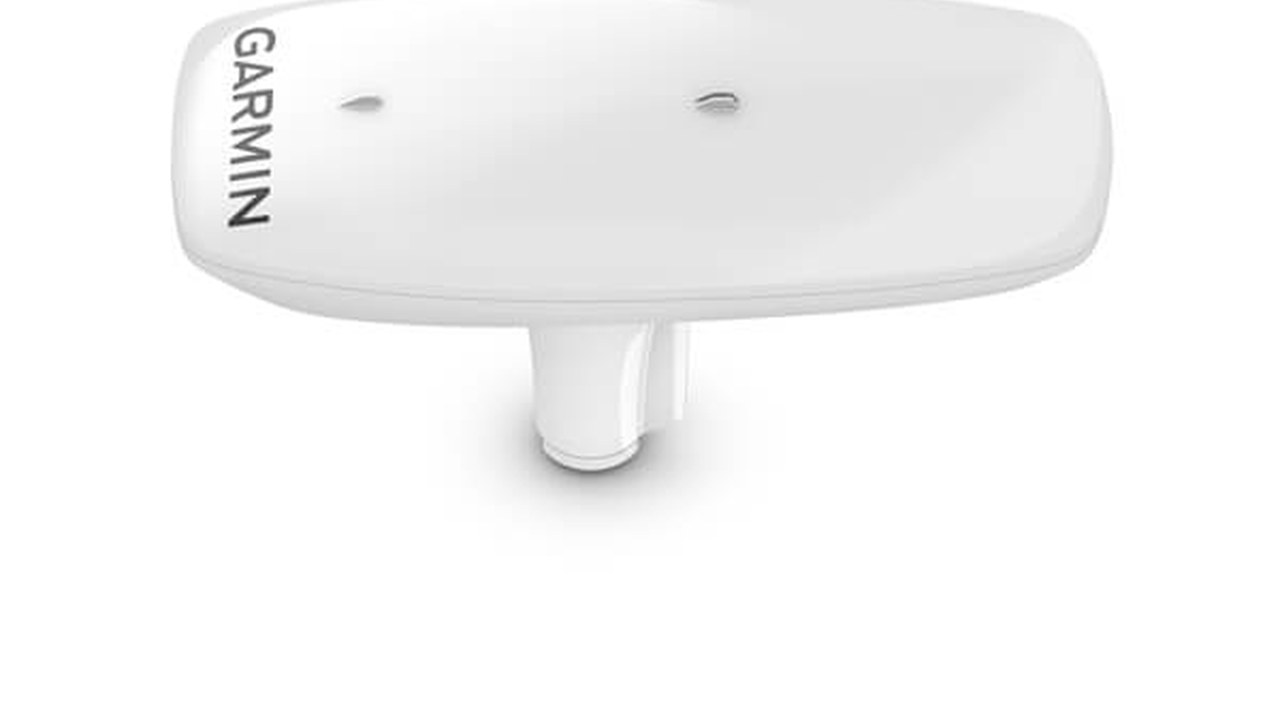
The device requires an unobstructed view in every direction. They observe mast, seldom, roof and neighboring structures, remembering that elements above five degrees are not recommended by the instructions. A valid position reception does not show itself the best prora. Control 7 retains initial status, active device, condition, single modification and result. Before applying offsets or resets you save the configuration; after testing the selected source occurs. If security, space or references are not enough, the procedure is suspended and the point remains open in the technical report.
Check the relationship with the radar beam
MSC 10 should not be directly on the radar path. It records relative quota and support, then compares the prora with radar turned on and off. The control remains prudent and does not approach people or instruments to a broadcast antenna. Control 8 retains initial status, active device, condition, single modification and result. Before applying offsets or resets you save the configuration; after testing the selected source occurs. If security, space or references are not enough, the procedure is suspended and the point remains open in the technical report.
Read the MSC backup status
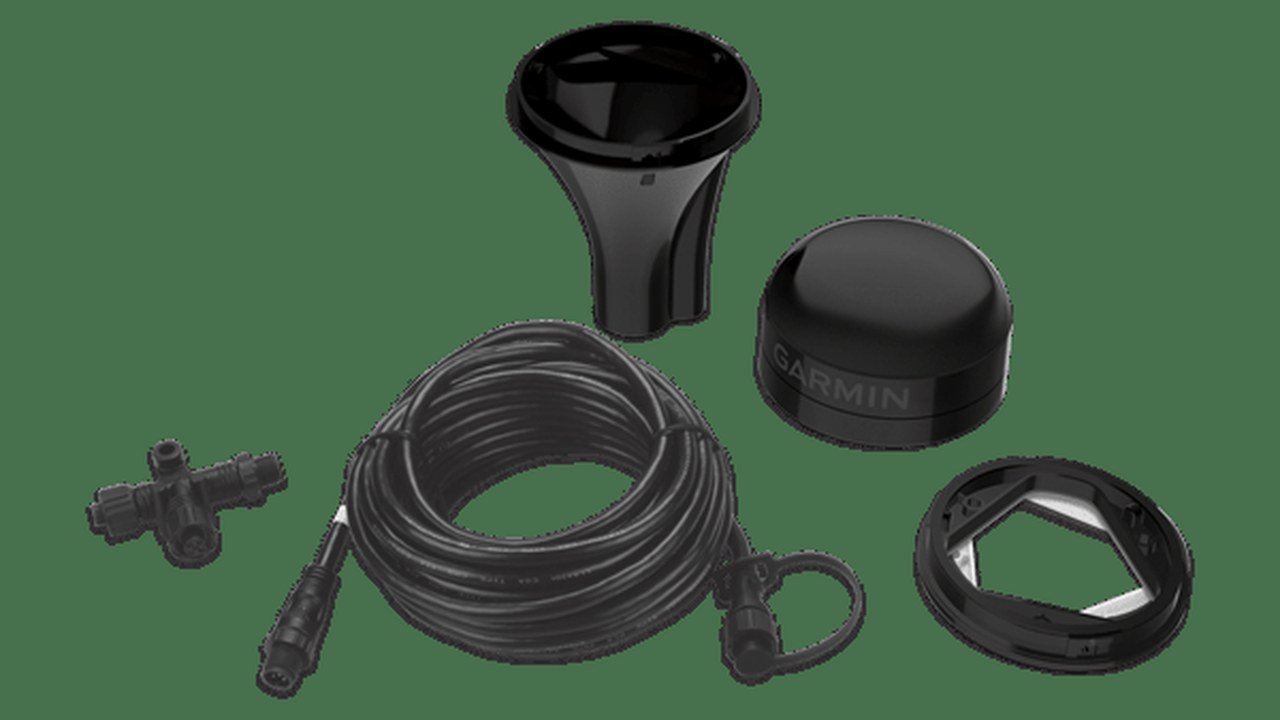
Magnetic backup requires calibration. the procedure checks whether and enabled and what status is shown when the GPS prora is not available. Under a bridge or a canopy the passage must be recognizable, not confused with an unchanged satellite measure. Control 9 retains initial status, active device, condition, single modification and result. Before applying offsets or resets you save the configuration; after testing the selected source occurs. If security, space or references are not enough, the procedure is suspended and the point remains open in the technical report.
Measuring power and backbone
Voltage, terminations, T-connectors and fall are controlled with the loaded network. SteadyCast is documented for 9–32 Vdc and LEN 2. Intermittent reboots or leaks are related to the electrical measurement before modifying offset or source. Control 10 retains initial status, active device, condition, single modification and result. Before applying offsets or resets you save the configuration; after testing the selected source occurs. If security, space or references are not enough, the procedure is suspended and the point remains open in the technical report.
Check the automatic priority
The chartplotter can choose a source according to configuration and available. It is recorded that active in cold, after reboot and after a controlled loss. On the return of the primary node the priority must behave as expected, without remaining on a less suitable given. Control 11 retains initial status, active device, condition, single modification and result. Before applying offsets or resets you save the configuration; after testing the selected source occurs. If security, space or references are not enough, the procedure is suspended and the point remains open in the technical report.

Perform guided calibration when available
With a compatible Garmin chartplotter, follow the menu and save the result. Insufficient errors or quality are not ignored. The boat must be in calm and open water, with safe movement and without temporary magnetic objects near the sensor. Control 12 retains initial status, active device, condition, single modification and result. Before applying offsets or resets you save the configuration; after testing the selected source occurs. If security, space or references are not enough, the procedure is suspended and the point remains open in the technical report.
Use the basic procedure without shortcuts
On networks without compatible display, the SteadyCast procedure requires power sequences, slow turns and, for alignment, straight stroke at least equal to the documented value. Each step is timed and interrupted if space is not safe. Control 13 retains initial status, active device, condition, single modification and result. Before applying offsets or resets you save the configuration; after testing the selected source occurs. If security, space or references are not enough, the procedure is suspended and the point remains open in the technical report.
Compare prora and COG only in suitable conditions
A boat stops the COG does not describe where the bow points; with current or drift it can also differ in motion. The comparison for alignment is done on a straight and stable tract, annotating speed and conditions, not in maneuver or during a gust. Control 14 retains initial status, active device, condition, single modification and result. Before applying offsets or resets you save the configuration; after testing the selected source occurs. If security, space or references are not enough, the procedure is suspended and the point remains open in the technical report.
Try oriented paper and overlay radar
Prora line, paper orientation and overlap with fixed targets are observed. MARPA is only verified under the expected conditions and compatibility. A seemingly correct overlay in one direction does not exclude an offset: the test includes multiple routes. Control 15 retains initial status, active device, condition, single modification and result. Before applying offsets or resets you save the configuration; after testing the selected source occurs. If security, space or references are not enough, the procedure is suspended and the point remains open in the technical report.
Check roll and heave beaking
With MSC 10 it occurs which devices show thirsty and lifting and with which compatible. A display that does not display heave does not imply failure if the support and partial. The data is separated from the prora and not attributed to SteadyCast. Control 16 retains initial status, active device, condition, single modification and result. Before applying offsets or resets you save the configuration; after testing the selected source occurs. If security, space or references are not enough, the procedure is suspended and the point remains open in the technical report.
Simulating a loss without creating danger
The planned node is interrupted or the documented function is used, observing alarm, frozen data and fallback. After restoration, source, priorit and offset are checked. You don't tamper with the backbone during critical navigation. Control 17 retains initial status, active device, condition, single modification and result. Before applying offsets or resets you save the configuration; after testing the selected source occurs. If security, space or references are not enough, the procedure is suspended and the point remains open in the technical report.
Close the relationship with values and limits
The minutes retain location, photos, devices, voltage, sources, calibration, offset, electromagnetic tests and fallback behavior. An unproduced anomaly remains described. The commander knows what data he uses every function and when he has to doubt it. Control 18 retains initial status, active device, condition, single modification and result. Before applying offsets or resets you save the configuration; after testing the selected source occurs. If security, space or references are not enough, the procedure is suspended and the point remains open in the technical report.