
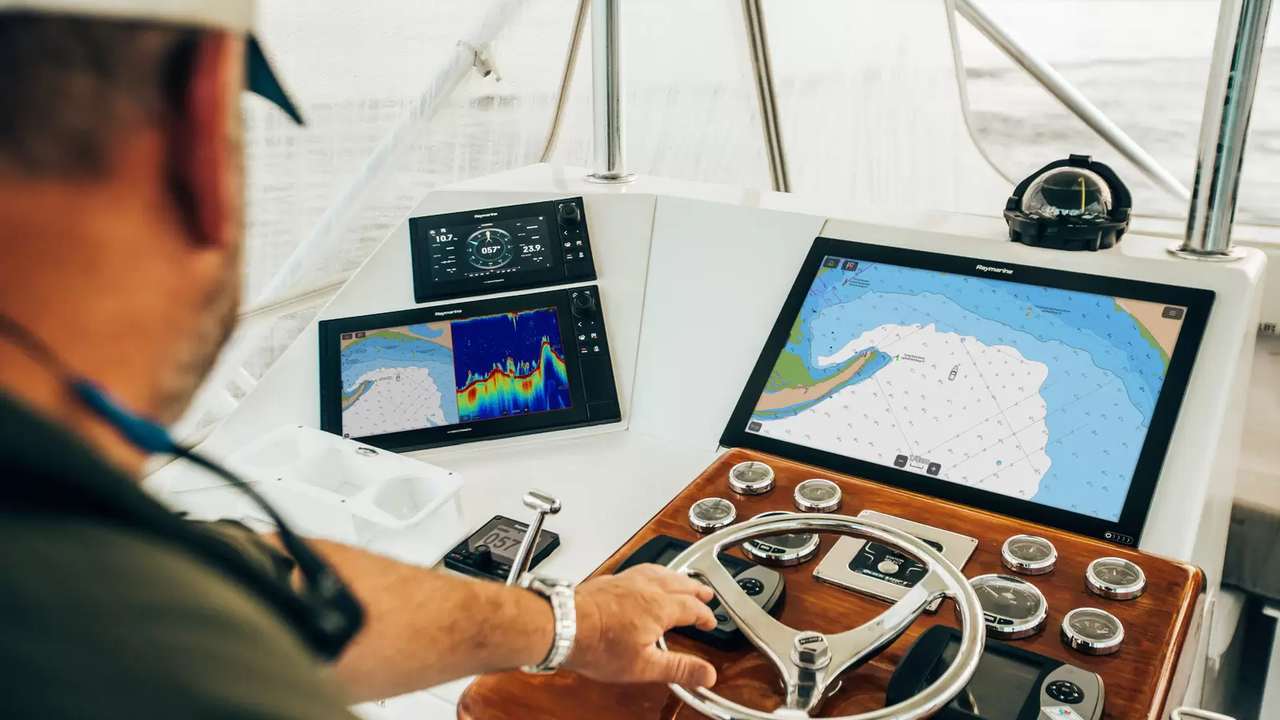
When radar, sonar or cameras disappear from the display, immediately replacing the switch is a expensive shortcut. A RayNet network combines power supply, Ethernet connections, marine connectors, adapters and software: the same symptom can be born from a fuse, a door, a wet treat, a PoE load or an apparatus that does not complete startup. Effective diagnosis reduces the variables in precise order, records each test and sets only verified components. This analysis is used to distinguish the physical failure from the configuration, without confuse RayNet with the NMEA 2000 network that carries lighter instrumental data.
First rule: do not change three things together
Note the exact symptom before disconnecting cables: which device is missing, on which display, since, in what condition and if the problem is continuous or intermittent. Picture the location of the connections and copy the port map if available. If you move cable, door and power simultaneously, any improvement does not reveal the cause. The correct sequence changes only one variable and repeats the same test. Keep radar safe and comply with equipment procedures; the diagnostic test does not justify improper activation of a transmitter or work on energized circuits.
If all apparatuses are missing, leave from the common node
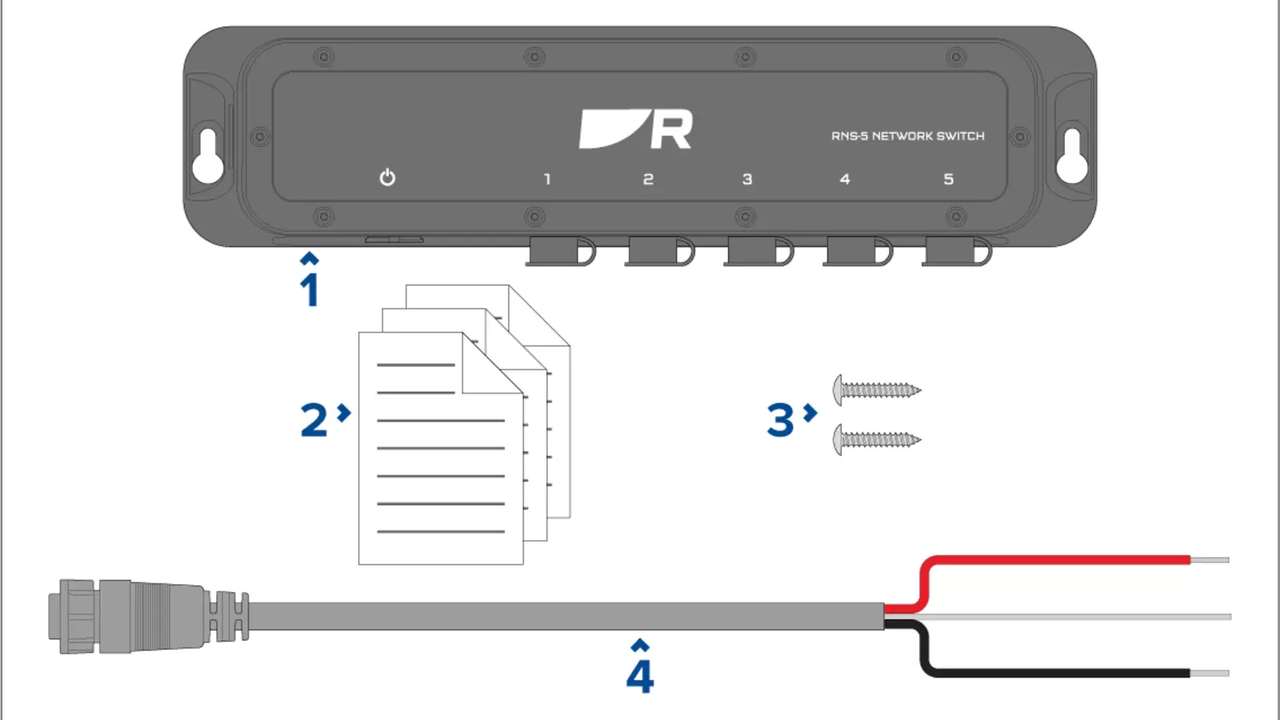
When radar, sonar and video disappear, the main suspect is what they share: switch, node power, protection, main connector or display that should present them. If only one device is missing, the specific branch becomes more likely. This distinction avoids chasing each user separately. Check that the switch is actually powered and that the control of the picture is expected. Do not limit yourself to the position of the switch: check voltage on the correct point and see if the value remains stable during the start of the devices.
The table orders symptoms and tests
| Symptom | First try | Exit orienting |
|---|---|---|
| All offline | Switch power supply | Absent or unstable voltage |
| One branch offline | Controlled door change | Gain following door or cable |
| Camera restart | PoE balance and tension | Insufficient loading or feeding |
| Intermittent Radar | Sample cable and inspection | Sensitive tract or connector |
| Links present, absent service | Ordered restart and configuration | Discovery or Software |
| Gain only under load | Simultaneous test | Power, heat or marginal treatment |
Check protection, voltage and return
Locate the switch protection and verify that the installed value matches the project. An integral fuse does not exclude an oxidized fuse holder or a fall on the links. Measure power and return near the apparatus, first at rest and then while radar, display and PoE loads start. A seemingly normal voltage without load can collapse when the network requires more energy. Inspect terminals, locks and overheating signs. If the circuit is shared with undocumented users, isolate according to a safe procedure and repeat the measurement.
Read doors and indicators without interpreting them by memory
See which doors show activity and compare it to the map. Recorded before and after reboot; an indicator turned on proves the existence of a physical connection, does not guarantee that the service is available on the display. If a door remains inactive, it controls remote apparatus, power supply, graft and treat. If the link is present but radar or video does not appear, it then goes on to the discovery and configuration. Do not attribute colors and flashes to unchecked meanings: different models can signal different states. The initial goal is only to separate inactive door, active door and intermittent behavior.
Island a branch at a time
Turn off the system properly, disconnect the unnecessary branches and connect only displays, switches and devices under review. Turn on in the expected order and wait for the completion of the start. If the service returns, add a branch at a time until you play the defect. If not, the search remains confined to a few elements. This test is more reliable than moving active network connectors. Label each cable temporarily before removing it and not exchange PoE ports with ordinary doors without checking the function. The minimum configuration must always be noted.
Direct testing can run the switch
When the devices allow it, a direct connection with a known and compatible cable can separate the branch from the switch. If radar and display communicate directly, the door, power supply and configuration of the central node remain to be checked. If the defect remains, the problem can be in the device, in the unsuitable sample cable or in the settings. The test should be prepared without stretching connectors and without leaving cables on the passage. It is not an improvised permanent configuration: it is used to reduce variables. It then restores the original pattern before proceeding to another test.
Use a truly known sample cable
A cable taken from a gavone is not automatically reliable. The diagnostic sample must be integral, compatible, verified and short enough to be laid effortlessly. temporarily replace one treat. If the fault disappears, inspect the original cable along the entire route, including hidden passages and fold areas. If it remains, reassemble the original route and mark the outcome. Do not create a chain of adapters to reach the device: each connection adds a variable. The test is only valid when the alternative path is electrically and mechanically correct.
RayNet and RJ45 do not have the same protection
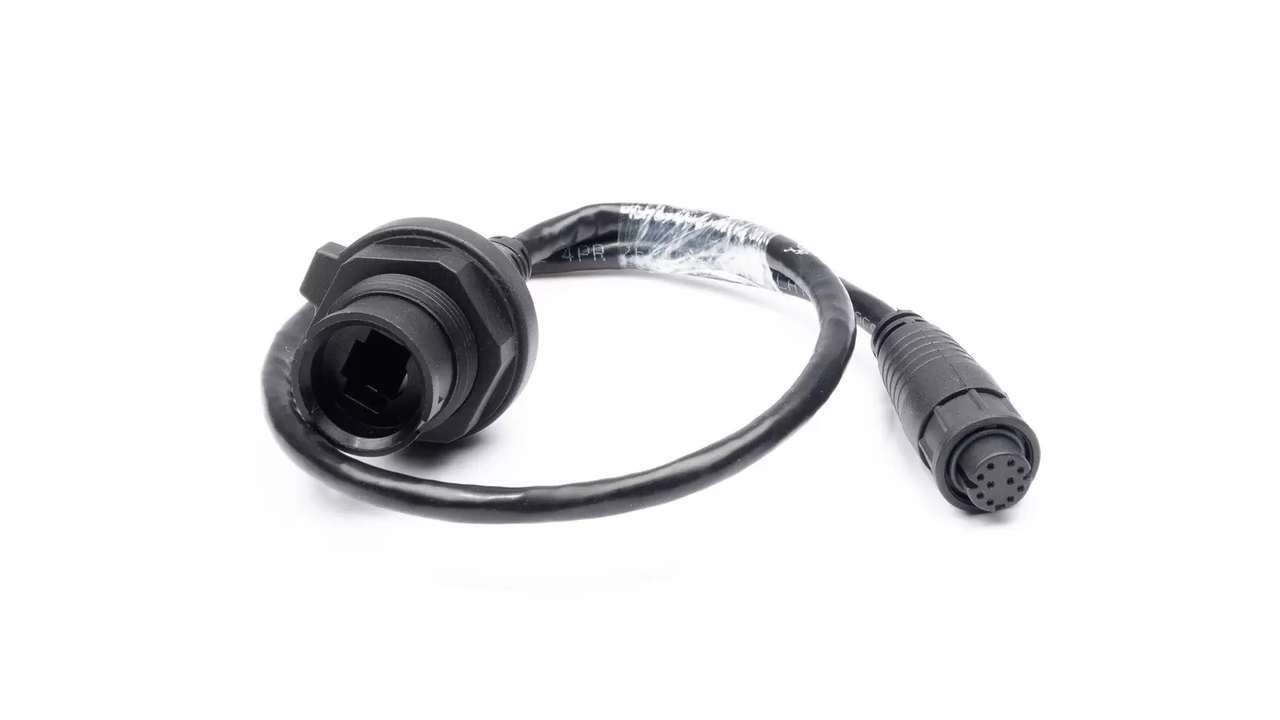
The RayNet connector is designed for a protected marine connection when properly coupled. The RJ45 end of some cables or adapters is not waterproof and must be in a proper environment. Search for moisture, salt, oxide, damaged tabs, unblocked needles and traction on the connection. Do not spray random products or scrape delicate contacts. If you find water, disable, locate the entrance and restore protection before the new test. Moving a RJ45 transition out of a wet gavone can be structural correction, not only a repair of the moment.
Check the beam, not only the ends
Follow the path physically. Look for crushing under panels, too tight ties, immediate curves near the connector, rubbing, hot spots and exposed crossings. Moving a zone slightly while observing the link may reveal an intermittentness, but it does not have to become an aggressive proof that worsens the damage. A cable can look perfect at the ends and have the sheath deformed in the passage. Also check the traction discharge: the weight of the beam should not weigh on the door. Photograph every anomaly before correcting it to update the technical dossier.
PoE changes camera diagnosis
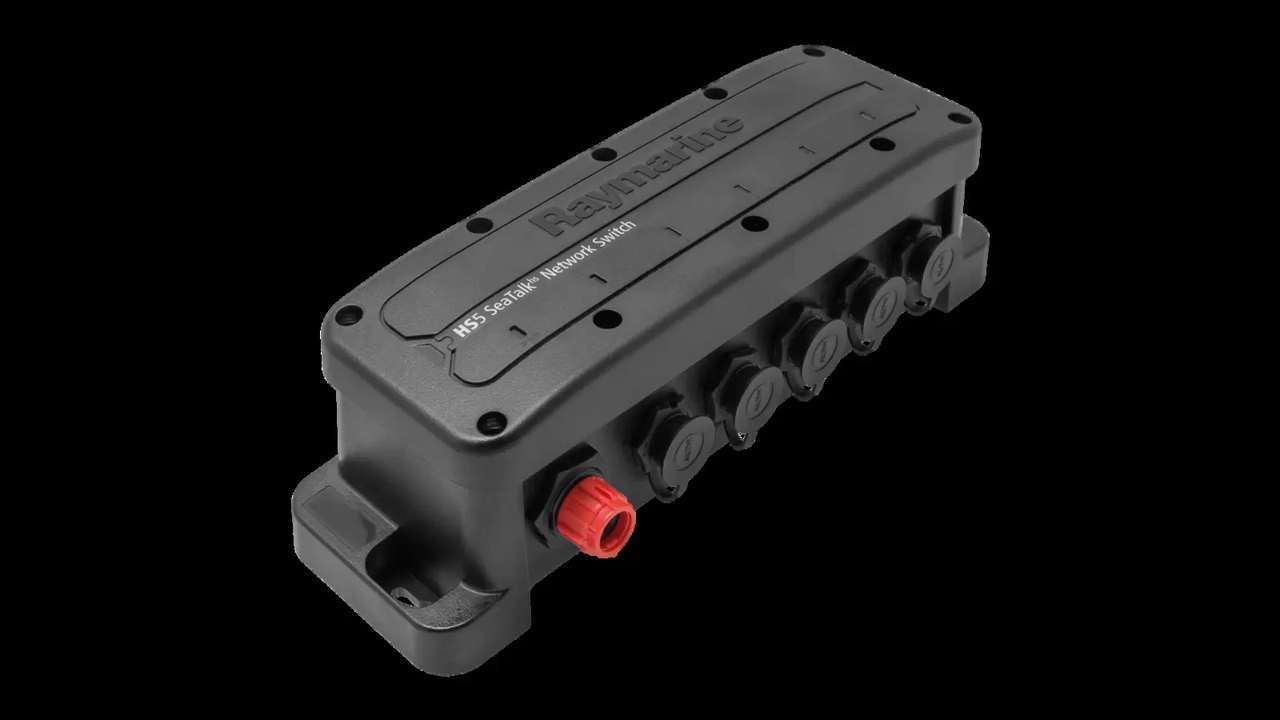
If the camera receives power through Ethernet, the same route must support links and power. Check that it is connected to a planned PoE port, that the switch has sufficient power and that the overall load remains in the limit indicated for the apparatus. A camera that restarts can indicate insufficient fall or budget, not necessarily a video failure. Do not connect a separate power supply at the same time when the apparatus powered via PoE does not allow it: the instructions of the RNS-8 switch expressly warn you to avoid the dual power of the camera. Check the pattern before each bridge.
Try an alternative port controlledly
After recording the map, move the branch to a free compatible port and repeat the test. If the fault follows the cable, the original door becomes less suspect. If the branch only works on the alternative port, check the first door and its function, do not immediately declare fault of the entire switch. With the PoE, an unpowered door is not equivalent to a PoE port. Always bring the cable back to the initial configuration or formally update the scheme if the change is approved. Free doors must remain protected as provided by the manufacturer.
Distinguish physical links and service availability
An active link indicates that two interfaces have established the connection, but the display must still recognize and present radar, sonar or video. When the physical part appears stable, check that the devices have completed startup, that the service is enabled and that the configuration is consistent. Avoid updating software in the middle of a physical diagnosis: you would change more variables together. First save settings and versions, run an ordered restart and watch the times. Only after excluding power supply, port, connector and process you switch to the software procedures provided for specific models.
Legacy adapters deserve a dedicated test
Updated networks over time can include RayNet, RJ45 or SeaTalk HS adapters. Identifies each element with code and destination, without assuming shape compatibility. temporarily remove unnecessary adapters only if you can create a correct direct link. If the defect disappears, repeat the test with the adapter to confirm. It mainly controls hidden transitions: a connection in a wet or under traction area can make an intermittent branch seemingly healthy. Replace the item only after a repeatable comparison, then update the spare parts list not to reintroduce the discarded piece.
Play the problem under simultaneous load
Some defects do not appear with only one apparatus. After minimal tests, gradually reactivate radar, sonar and video streams, observing tension, link stability and room temperature. If the network only fails when all services work, switch power currency, PoE load, ventilation and marginal treatment. Repeat the same sequence at least twice, including a complete shutdown. An unplayable episode remains a clue, not a closure. It records the start order and the exact moment of the interruption: it can show which load or branch introduces the critical condition.
Heat can imitate a random failure
A switch installed in a closed compartment can work cold and become unstable after hours. Check that openings and spaces have not been obstructed by new equipment, storage material or added bundles. Do not artificially cool the apparatus to declare it repaired: measure and correct the installation conditions. Also check that nearby power supplies do not heat the volume. The thermal test must take place under the conditions of use, with panels in the normal position and active loads. If the environment exceeds what is allowed, the solution is to redesign position or ventilation according to the applicable requirements.
Software update comes after physical control
Before upgrading, save versions, configuration and result of the tests. Check display and accessories compatibility and ensure that the power supply is stable throughout the operation. An update does not repair a wet contact or a voltage drop; it can complicate the comparison if executed too soon. After any intervention, repeat the minimum and under load test with the same procedure used before. If behavior changes, note exactly version and settings. Avoid generalized reset without backup: deleting the configuration can hide the symptom without showing the cause.
When switch really becomes suspicious
The switch is suspicious after power and environment are compliant, cables and adapters have been tested with known samples, the apparatuses work in direct connection and the defect remains associated with a door or node in repeatable conditions. Even then, check the model, wiring and assistance procedure before replacing it. Stores the spoiled configuration long enough to document the comparison, without putting into service an insecure plant. A spare mounted without this chain of tests can only seem decisive because during the work a connector has been clamped or moved a cable.
Closing requires a complete test
Reassemble each connection, lock the connectors, support the bundles and restore the protections. Turn on the system from the start, check that all devices appear on the display and activate the streams at the same time. Repeat the test after a shutdown cycle and, when appropriate, in navigation. Update door map, photos, replaced cables, measurements and software versions. The fault is closed only when the network works in the final configuration, not on the counter with a steering cable. The shipowner must also receive the indication of the degraded mode and the branch to be isolated in case of relapse.
An ordered diagnosis costs less than casual spare parts
The RayNet network carries important and high-band services, but its diagnosis remains concrete: first common energy and knots, then ports, connectors, routes, PoE, configuration and simultaneous load. Each test changes one variable and produces a registered result. This method avoids replacing still efficient display, cameras or switches and leads to structural correction of moisture, traction, heat or power. The result is not only the return of the radar image: it is a network that is understandable, documented and able to quickly show where to look if the problem had to recur.