

Il primo euro non dovrebbe essere incassato prima di sapere se soggetto, unità e operazione possono entrare nel noleggio occasionale. Il rischio nasce quando prenotazione, contratto e partenza avanzano più velocemente delle verifiche: il modello viene compilato all’ultimo minuto, una ricevuta manca e il comandante scopre che il fascicolo è rimasto nello studio del consulente. La procedura prevista dal decreto interministeriale del 26 febbraio 2013 è invece preventiva e ripetibile. Questa checklist separa requisiti, invii, personale, fiscalità e sicurezza, così ogni passaggio può essere chiuso con un’evidenza concreta prima dell’attività.
1. Apri una pratica per ogni attività
Assegna un identificativo interno a ogni periodo di noleggio e raccogli in una cartella dedicata modello, contratto, allegati e ricevute. Il decreto richiede la trasmissione prima dell’inizio di ciascuna attività, quindi una pratica generica non deve coprire automaticamente prenotazioni successive. Inserisci data e ora previste, unità, cliente, comandante ed eventuale personale. L’identificativo riduce il rischio di allegare il contratto sbagliato o conservare a bordo la ricevuta di un’altra uscita. Se l’attività cambia, la pratica viene riaperta e non semplicemente rinominata.
2. Verifica il soggetto che effettua il noleggio
Controlla se si tratta del proprietario persona fisica, di una società che non ha come oggetto sociale noleggio o locazione, oppure dell’utilizzatore a titolo di locazione finanziaria nei limiti dell’articolo 49-bis. Acquisisci il documento che dimostra il titolo e confronta i dati anagrafici o societari. L’intermediario che raccoglie la prenotazione non diventa per questo il soggetto legittimato. Se la struttura dell’attività è stabile, organizzata o diversa dal caso descritto, fermati e chiedi una valutazione professionale. Non correggere la sostanza con una denominazione commerciale più comoda.
3. Controlla che l’unità sia quella ammessa
La disciplina riguarda imbarcazioni e navi da diporto iscritte nei registri nazionali secondo i requisiti applicabili. Confronta nome, numero, registrazione, intestazione e titolo di disponibilità. Non presumere che ogni natante o unità vista sul portale possa seguire la stessa procedura. Verifica inoltre che documenti, certificazioni e dotazioni siano coerenti con l’impiego e con la navigazione programmata. La checklist conserva una copia identificativa aggiornata. Se l’unità viene sostituita dopo la prenotazione, non riutilizzare la comunicazione originaria: cambia un elemento centrale della pratica.
4. Scarica il modello istituzionale corrente
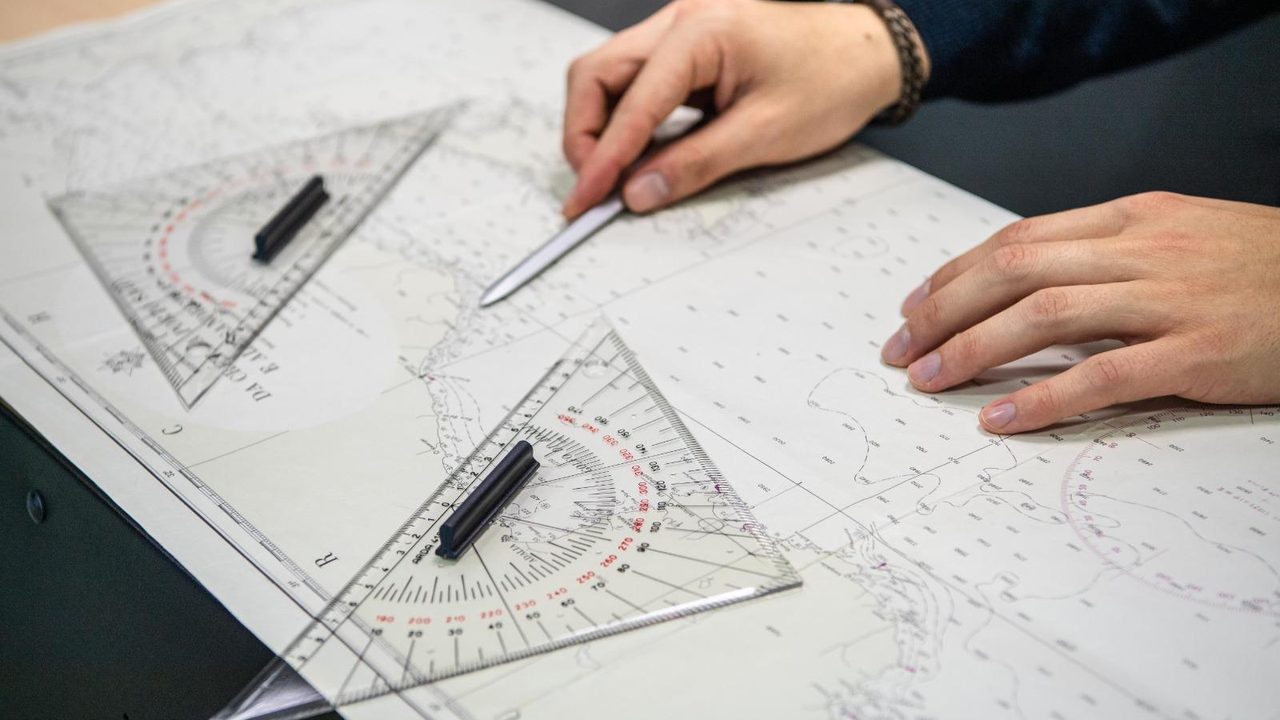
Usa il modello reso disponibile dai canali istituzionali e controlla che sia la versione applicabile. Evita facsimili modificati da portali terzi o file conservati da anni sul computer. Compila tutti i campi pertinenti in modo leggibile e verifica la firma richiesta. Il modello collega titolare, unità, periodo e assunzione del comando; ogni dato deve trovare corrispondenza nei documenti. Salva una versione non modificabile destinata all’invio e una copia di lavoro separata. Il nome del file include l’identificativo della pratica, così non viene confuso durante la trasmissione.
5. Individua la Capitaneria territorialmente competente
La comunicazione in PDF deve essere inviata per posta elettronica alla Capitaneria competente. Verifica competenza e recapito sulle pagine istituzionali al momento dell’attività, senza affidarti a rubriche locali o vecchie ricevute. Registra l’ufficio scelto e il criterio utilizzato. Controlla oggetto del messaggio, allegato, dimensione e leggibilità. L’invio deve precedere l’inizio. Archivia il messaggio completo e la prova di consegna disponibile. Se il recapito respinge il documento o restituisce errore, la casella “Capitaneria” resta aperta finché la trasmissione non viene risolta.
6. Esegui l’invio contestuale fiscale
Il decreto prevede anche la comunicazione all’Agenzia delle Entrate, contestualmente a quella marittima e secondo i formati indicati. Prima di usare un indirizzo memorizzato, conferma la procedura corrente sul sito istituzionale. Allega lo stesso contenuto sostanziale, evitando che una correzione venga applicata soltanto a uno dei due invii. Conserva messaggio e ricevuta in una sottocartella distinta. La checklist mostra due righe separate, perché completare la Capitaneria non completa automaticamente il destinatario fiscale. Un inoltro successivo del messaggio può alterare allegati e tracciabilità.
7. Se c’è personale, apri il controllo Inps e Inail
Quando l’attività dà luogo a prestazioni di lavoro per le quali si applicano le comunicazioni richiamate, occorre seguire anche le modalità operative previste verso Inps e Inail. Registra dati del prestatore, codice fiscale, tipo di attività e periodo. Non usare la parola “occasionale” per presumere assenza di obblighi. Qualifica, compenso, copertura e requisiti del personale vanno verificati con chi cura lavoro e previdenza. Le ricevute pertinenti entrano nel fascicolo. Se il ruolo cambia da semplice accompagnamento a funzione di bordo, riesamina anche titoli e responsabilità.
8. Verifica comandante, patente e responsabilità
Identifica chi assume comando e condotta per tutta la durata. Controlla il titolo richiesto rispetto a unità, navigazione e condizioni operative. Se il titolare non comanda personalmente, documenta incarico e rapporto con la persona scelta. Non confondere il conducente indicato nell’annuncio con il comandante formalmente responsabile. Verifica che contratto, modello, polizza e organizzazione di bordo indichino una configurazione coerente. La patente da sola non risolve eventuali questioni lavoristiche o assicurative; allo stesso modo, una comunicazione lavorativa non sostituisce il requisito nautico.
9. Confronta modello e contratto campo per campo
Periodo, unità, soggetti e comando devono coincidere. Aggiungi alla checklist un controllo automatico o manuale sui campi essenziali prima della firma. Il contratto descrive anche corrispettivo, cauzione, cancellazione, area, responsabilità e limiti d’uso; queste clausole non devono contraddire documenti e capacità operative. Se il meteo sposta le date, non modificare soltanto la copia del cliente. Valuta preventivamente l’effetto su comunicazioni e personale. Conserva una versione finale firmata, impedendo che circolino bozze con lo stesso nome ma contenuto diverso.

10. Verifica la polizza sull’impiego dichiarato
Invia all’assicuratore una descrizione corretta dell’attività, del comando, delle persone, dell’area e del periodo. Chiedi conferma delle condizioni applicabili e conserva la risposta. Non dedurre la copertura dal fatto che il Codice non qualifica questa forma come uso commerciale dell’unità. Le condizioni contrattuali possono richiedere comunicazioni o prevedere esclusioni specifiche. Controlla responsabilità civile, danni all’unità, assistenza, franchigie e conducenti ammessi. Il portale di prenotazione o la carta di pagamento possono offrire servizi aggiuntivi, ma non sostituiscono automaticamente la polizza della barca.
11. Prepara il fascicolo obbligatorio di bordo
Metti insieme copia delle comunicazioni, contratto e ricevute delle trasmissioni, come richiesto dal decreto. Aggiungi una copertina con identificativo pratica e indice, senza esporre dati personali più del necessario. Il comandante verifica presenza e leggibilità prima di partire. Se il fascicolo è digitale, assicurati che sia disponibile offline, protetto e apribile senza dipendere dal telefono di una persona assente. Una copia di cortesia nello studio non soddisfa la necessità operativa a bordo. Definisci anche chi recupera i documenti durante un controllo senza interrompere la gestione della barca.
12. Separa il controllo fiscale dalla partenza
La facoltà dell’imposta sostitutiva del venti per cento riguarda, a richiesta, proventi di attività con durata complessiva non superiore a quarantadue giorni e non ammette deduzione o detrazione dei relativi costi. Il conteggio e l’opzione vanno seguiti con un consulente. Questa fase non rende superflui gli invii preventivi. Crea nel registro campi distinti per giorni, proventi, scadenza e pagamento, evitando di usare la soglia come unica definizione dell’occasionalità. Le scadenze fiscali possono cambiare in base al contribuente e al calendario; vanno controllate per l’anno interessato.

13. Usa una tabella di avanzamento
| Passaggio | Esito richiesto | Blocco |
|---|---|---|
| Soggetto e unità | Titolo verificato | Nessuna conferma |
| Modello | Compilato e firmato | Nessun invio |
| Capitaneria | Trasmissione preventiva | Nessuna partenza |
| Entrate | Invio contestuale | Pratica incompleta |
| Personale | Adempimenti verificati | Nessun impiego |
| Bordo | Contratto e ricevute presenti | Nessuna partenza |
La colonna “blocco” rende chiaro che alcune mancanze non possono essere rinviate. Ogni stato deve avere data, operatore e documento associato. Un segno di spunta senza ricevuta non chiude l’attività. La tabella viene congelata in PDF al termine del controllo e conservata con il fascicolo.
14. Gestisci modifiche e annullamenti con una regola
Definisci chi viene informato quando cambiano date, comandante, cliente, personale o unità. Prima dell’inizio, valuta se serve una nuova trasmissione o altra comunicazione agli uffici competenti. Non sovrascrivere il file originario: conserva la cronologia e collega la nuova versione. Se l’attività viene annullata, registra evento e indicazioni ricevute. Il sistema deve impedire la partenza con documenti riferiti a una configurazione precedente. Anche una riduzione del periodo può incidere su contratto, lavoro e registro fiscale, quindi non viene trattata come semplice nota telefonica.
15. Collauda la procedura con una pratica simulata
Prima di offrire il servizio, esegui una simulazione senza clienti e senza inviare comunicazioni non dovute. Compila una copia di prova, verifica i campi, individua gli uffici, prepara il fascicolo e chiedi a un secondo operatore di controllarlo. Misura il tempo necessario e identifica dipendenze da password, scanner o persone esterne. La simulazione non sostituisce l’adempimento reale, ma evita di scoprire la procedura il giorno della partenza. Aggiorna la checklist quando cambiano modello, canali istituzionali, polizza o organizzazione dell’equipaggio.

16. Non confondere piattaforma e conformità
Il form di un portale può raccogliere dati, fotografie e pagamento, ma il proprietario deve comunque verificare requisiti e comunicazioni. Controlla quali servizi la piattaforma dichiara di svolgere e quali restano a tuo carico. Non dare per inviato un modello soltanto perché la prenotazione è “confermata”. Mantieni un collegamento fra codice dell’annuncio e pratica interna, senza esporre documenti personali al pubblico. Se frequenza, organizzazione o marketing assumono carattere stabile, chiedi una nuova valutazione sulla corretta configurazione dell’attività prima di continuare.
17. Riconcilia periodicamente registro e incassi
Ogni mese confronta pratiche, contratti, pagamenti, giorni e annullamenti. Cerca prenotazioni senza ricevute, incassi senza contratto, periodi duplicati o personale non associato. La riconciliazione prepara la dichiarazione e segnala presto eventuali errori. Conserva i dati secondo i termini e le regole applicabili, limitando gli accessi. Non cancellare la cronologia per rendere ordinato il registro. La sequenza deve mostrare che cosa è avvenuto e quali correzioni sono state adottate. Un totale annuale privo del dettaglio per operazione non consente di verificare la soglia e le pratiche.
18. Esegui il controllo finale a bordo
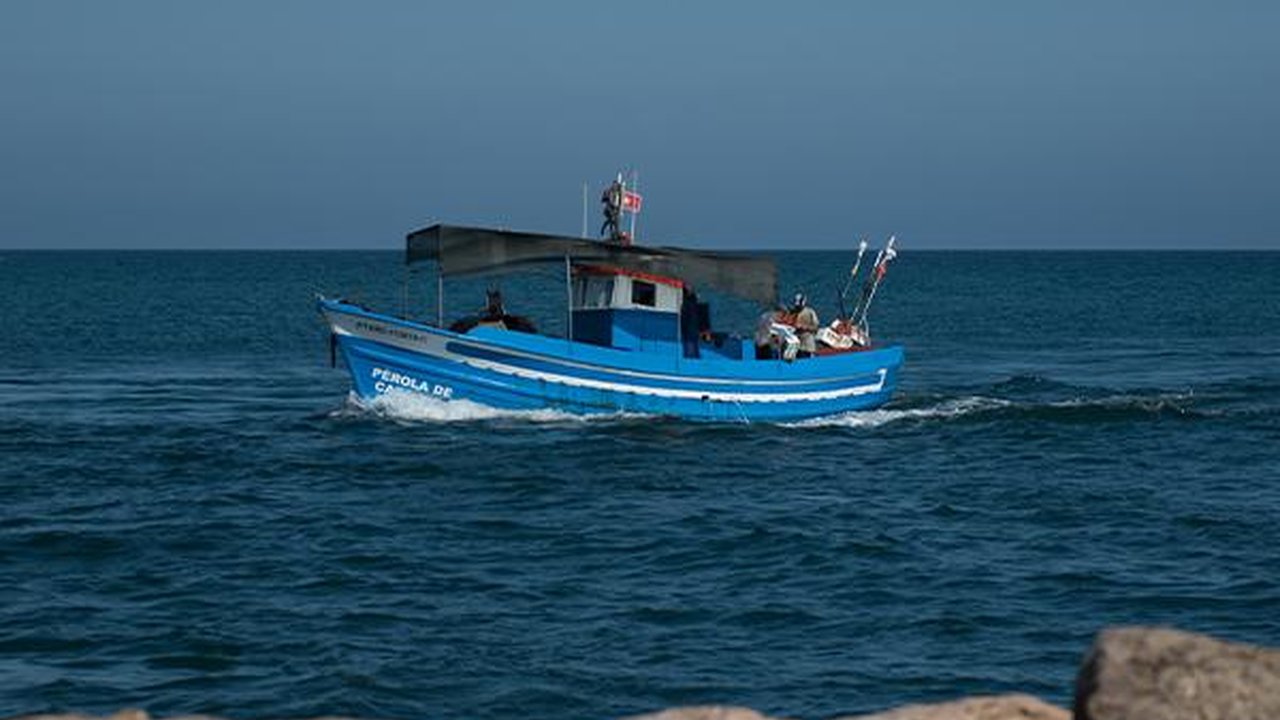
Prima di accettare l’inizio conferma identità, unità, periodo, comandante, persone, modello, Capitaneria, Agenzia delle Entrate, eventuali adempimenti Inps e Inail, contratto, polizza, ricevute e fascicolo. Poi passa alla sicurezza: documenti della barca, dotazioni, briefing, limiti, meteo e piano di emergenza. Chiedi a un secondo operatore di aprire la cartella senza assistenza. Se un documento non è leggibile, manca una ricevuta o il contratto non coincide, la casella resta rossa e la partenza non viene autorizzata. Il pagamento non può trasformare una pratica incompleta in un’attività pronta.

Dopo il rientro chiudi la pratica, aggiorna giorni e proventi, archivia le ricevute e registra eventuali incidenti procedurali. La checklist funziona quando nessun passaggio dipende dalla memoria di una sola persona e ogni dichiarazione può essere collegata a un documento. Così il noleggio occasionale resta una procedura controllata, non una prenotazione privata alla quale si cerca di aggiungere la carta corretta dopo la partenza.